Cybersecurity Tips for Small Businesses

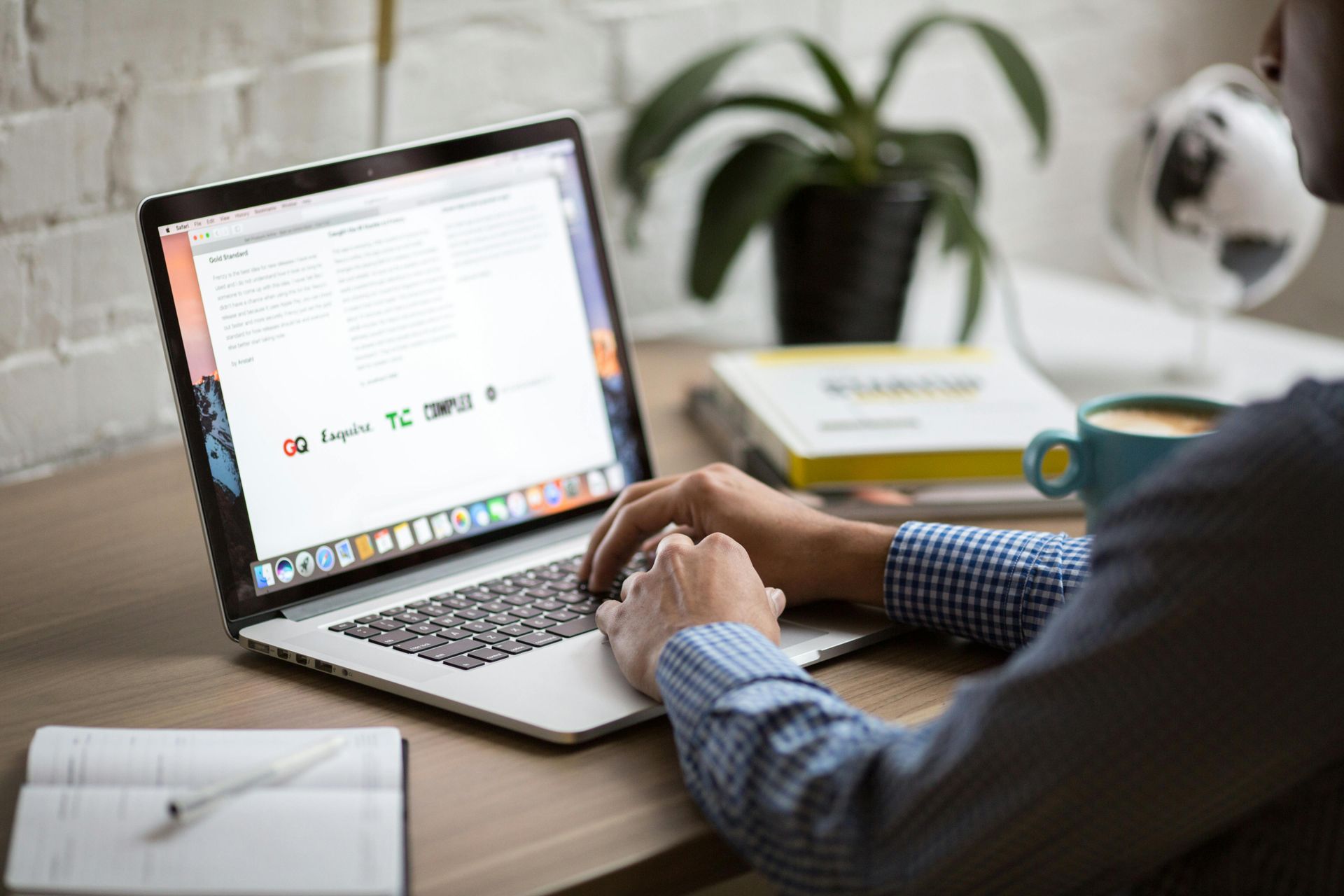
Photo by TheDigitalArtist on Pixabay
Essential cybersecurity tips for small businesses
The importance of online security has been emphasized during October, the Cybersecurity Awareness Month since 2004, when President George W. Bush signed a proclamation designating the month. The use of technology has become an integral part of our everyday business operations, and as a result, it has become more vulnerable to security breaches. Small businesses don’t have the capital or infrastructure of larger enterprises, so it can be difficult for them to compete in today’s digital marketplace. Cybersecurity is one area where smaller businesses often have a disadvantage. Smaller companies can be more vulnerable to cyberattacks because they might not have the same resources as larger businesses.
In October 2012, the FCC reintroduced the Small Business Cyber Planner 2.0 to assist small businesses in developing tailored cybersecurity programs. The FCC also published an updated one-page Cybersecurity Tip Sheet. This quick resource includes new pointers about establishing a mobile device action plan and payment and credit card security.
Small businesses are hacked about 60% more often than their larger counterparts. That being said, any business should not overlook cyber security, no matter how small. Every company that uses the Internet is responsible for creating a culture of safety that will enhance business and consumer confidence. This article will go over a few ways to protect your business and stay secure online using several common sense tips.
Change your passwords regularly.
Password security is often overlooked when talking about cybersecurity. You should change your passwords regularly and use a different password for all your accounts. Use a password manager to generate secure passwords for all your accounts, and auto-fill them when needed. Ideally, passwords should be a string of random words and letters – here is a password manager with a random password generator that can be used to create unique and strong passwords.
Provide firewall security for your Internet connection
A firewall is a set of related programs that prevent external parties from accessing the information on a private network. Ensure that your router has a firewall and an operating system firewall is turned on, or install free firewall software online. If employees work from home, ensure their home systems are secured with a firewall.
Have a secure Wi-Fi network
Wi-Fi networks are often unsecured, allowing anyone using the same network to access your stored information. You should always use a secure network and encrypt all stored data to avoid accidental leaks. You can set up a secure network using a Virtual Private Network (VPN) service. VPNs are encrypted and make it harder for hackers to access your data. They also help protect your data when you’re using public Wi-Fi. When traveling, use a VPN on your mobile device to safely use your cellular data.
Have strong password protection.
Strong password protection is an important part of cybersecurity. You should use a different password for each account and avoid reusing passwords across multiple accounts. Consider implementing multi-factor authentication that requires additional information beyond a password to gain entry. You can use a password manager to generate secure passwords for each account and auto-fill them whenever needed.
Don’t use default software installations.
Some software comes with default settings that allow remote access to your computer. Read through the installation settings and change any that allow remote access to your computer. This is particularly important for software like Microsoft Office, Adobe, and other common programs.
Back up your data often.
Losing important data can cause many headaches for any company, but it can be especially disastrous for a small business. Make sure you’re regularly backing up your data and storing it in a secure location. Cloud data storage can be a great option for smaller companies without much extra storage space.
Install an ad blocker.
Malicious advertisements are often used to infect computers with viruses and other harmful software. It’s crucial to install an ad blocker to avoid malicious advertisements and protect your computer. Many ad blockers also help protect you against malicious browser extensions.
Conclusion
Cybersecurity is an ever-evolving field. It’s important to stay up-to-date on the latest security measures and best practices. Stay vigilant, and you can avoid cyberattacks and keep your business safe online. Don’t forget that cybersecurity is a team effort, and all employees should be educated on the best practices regarding cybersecurity.
Follow and Like Us
Checkout More of Our Blog Posts